Build Planner
Create, open and duplicate builds. Import PoB codes or XML, copy a PoB code, export XML and keep the original import available.
WINDOWS DESKTOP · IN DEVELOPMENT
Plan your character in a dark workshop built around Path of Exile 2. A PoB-powered build planner today, with crafting tools and a searchable reference database planned next.
THE LOOK AND THE DIRECTION
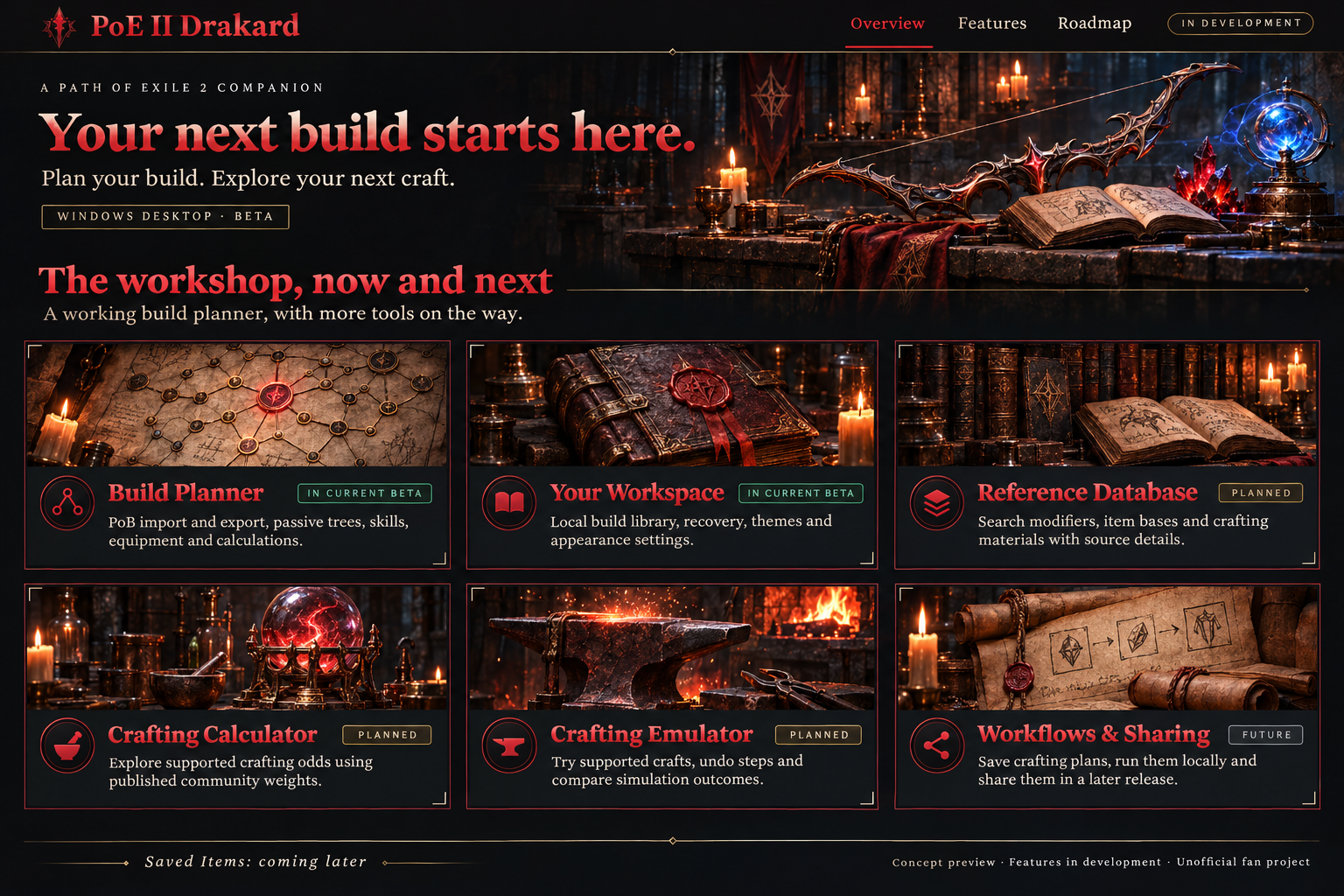
IMPLEMENTED IN THE DEVELOPMENT BETA
Create, open and duplicate builds. Import PoB codes or XML, copy a PoB code, export XML and keep the original import available.
Pan, zoom and search. Allocate paths, preview stat changes, make attribute choices, and undo or redo your changes.
Adjust skill groups and gems. Paste an item, inspect its comparison, equip it and organise different item sets.
Change build conditions and inspect player and main-skill offence, defence and resource calculations with selected stat breakdowns.
Expanded worksheet and minion-specific views are deferred.
Organise builds locally, save your changes and recover your work. Your open build stays with you as you move between app sections.
Choose a theme, change text size and adjust tree display scaling. Make the workshop comfortable for your screen.
WHAT COMES NEXT
Search modifiers, item bases and crafting materials. Compare tiers, follow source details, bookmark modifiers and export reference data.
Set your base, existing modifiers and targets. Explore supported crafting chances and expected uses from published community weights.
Missing weights and unsupported cases will be identified.
Try supported actions on a simulated item, undo steps, review the crafting log and compare repeated simulation outcomes.
Reusable crafting plans that run locally, followed later by optional Discord login and online sharing.
A future home for your finds and item projects. The current Saved Items page is a placeholder, separate from the working build library.
Planned features are not yet available. Scope and appearance may change; no release dates are announced.
STILL AT THE WORKBENCH
Drakard is in development. There is no public installer available yet.
PUBLIC INSTALLATION COMING LATERA FEW USEFUL ANSWERS
Not yet. The current development beta has a working build planner. Public installation details will appear here when a release is ready.
The workshop overview is a visual concept, created to show the style and direction. The feature descriptions distinguish implemented beta features from planned tools.
No. The planned tools will use published community weights and supported simulation rules. These are estimates for exploring crafting ideas; they do not guarantee live-game results.
No. Drakard is an independent fan project, not affiliated with Grinding Gear Games. Its planner uses Path of Building Community’s PoE2 engine.